
Business cloud backup
Secure today.Protect always.
Central360 backs up your business data to secure cloud storage automatically, so a failed drive, a deleted folder or a lost laptop does not have to mean lost work.

- 01Source
- 02Scheduled transfer
- 03Encrypted off-site copy
- 04Restore points
01
Secure
Encrypted, off-site copies
02
Reliable
Runs on a schedule
03
Automated
No manual copying
04
Scalable
Grows with your data
01 — Start here
Who Central360 is for
For businesses
Protect the data your business runs on.
Critical files, endpoints and servers, backed up without running backup infrastructure yourself.
For IT resellers and MSPs
Add a recurring service to your portfolio.
Offer managed backup to the customers you already serve.
02 — The risk
Four common ways businesses lose data.
A drive fails. A file is overwritten. Malware reaches a shared folder. A laptop goes missing. None of these is rare, and each one interrupts work.
Hardware failure
Drives and devices can fail without warning, taking their data with them.
Accidental deletion
One deleted folder or overwritten file can stop a team's work.
Cyber incidents
Malware can encrypt or corrupt the files your operations depend on.
Device loss
Laptops are lost or stolen. The business data on them should not be lost with them.
You can't always prevent data loss.
But you can be prepared for it.
03 — Capabilities
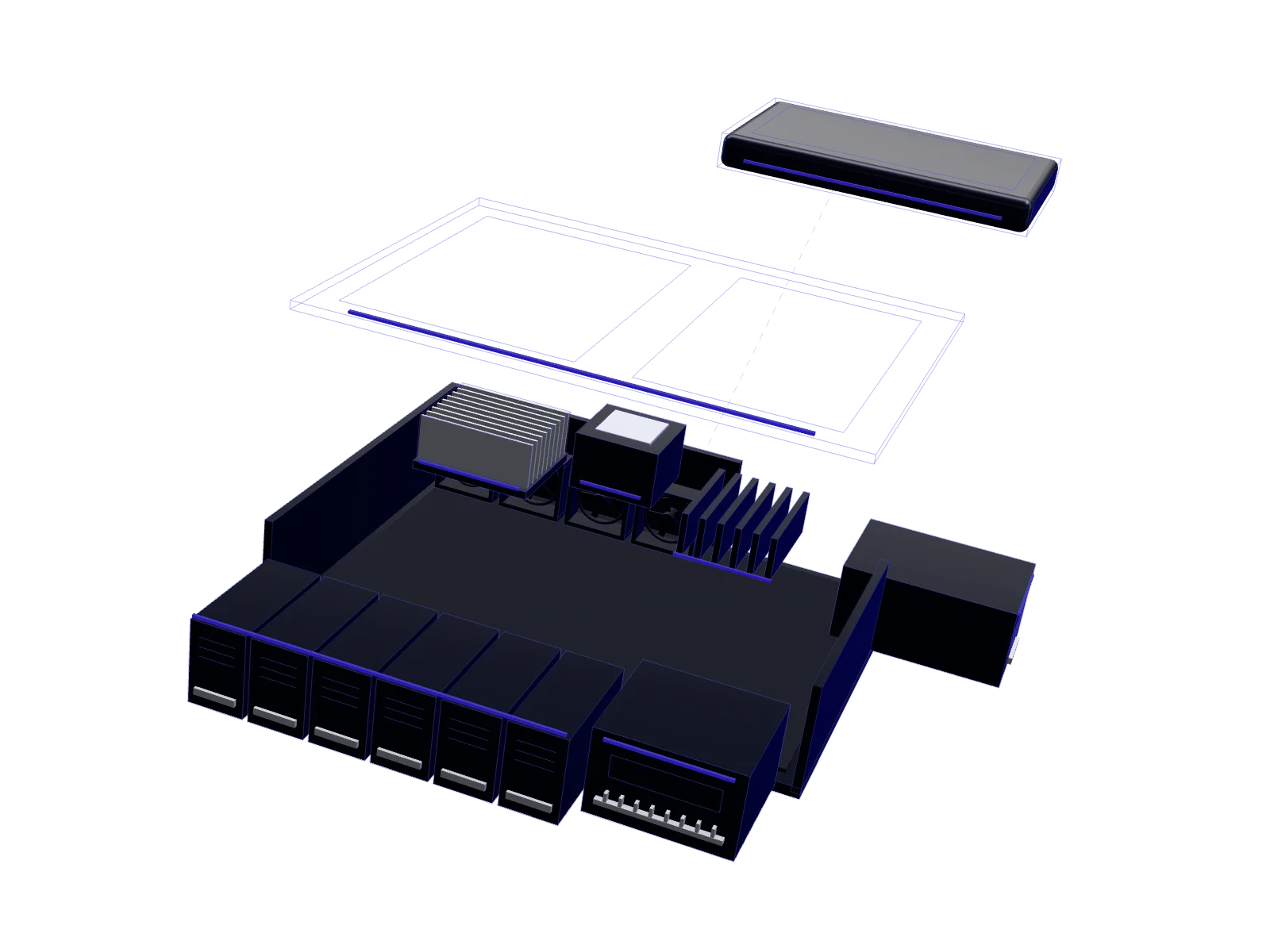
Seven capabilities. One backup service.
Scroll to inspect each capability.
Automated backup
Backups run on a schedule, with no manual copying and no forgotten files.
Secure cloud storage
Copies are kept off-site in the cloud, away from risks to your office hardware.
Encrypted protection
Backups are encrypted, so your business data stays private.
Straightforward recovery
Restore the files and folders you need and get back to work.
Restore points
Go back to an earlier version of a file when you need to.
Scalable storage
Add capacity as your data grows, without changing platforms.
Expert support
A team to help you plan, set up and recover.
04 — How it works
Connect. Back up. Monitor. Recover.
No backup infrastructure for you to build or maintain.
Connect
Tell us what to protect. Our team helps you connect it.
Back up
Data is copied to secure cloud storage on a schedule.
Monitor
Backups keep running in the background while you get on with work.
Recover
Restore the files you need when you need them.
05 — Cost of protection
Protection can cost less than your daily coffee.*
*An illustrative comparison, not a price or a guarantee. Your plan depends on the requirement and configuration agreed after assessment.
- A small, predictable investment
- Sized to your actual requirement.
- Critical protection
- For the data your business is built on.